MKB Punjab Registration – How to Apply for Petrol Subsidy (Step by Step)
Registration for the MKB Punjab petrol subsidy opened on April 4, 2026. The Punjab government has made the process entirely digital, giving applicants three different ways to apply.
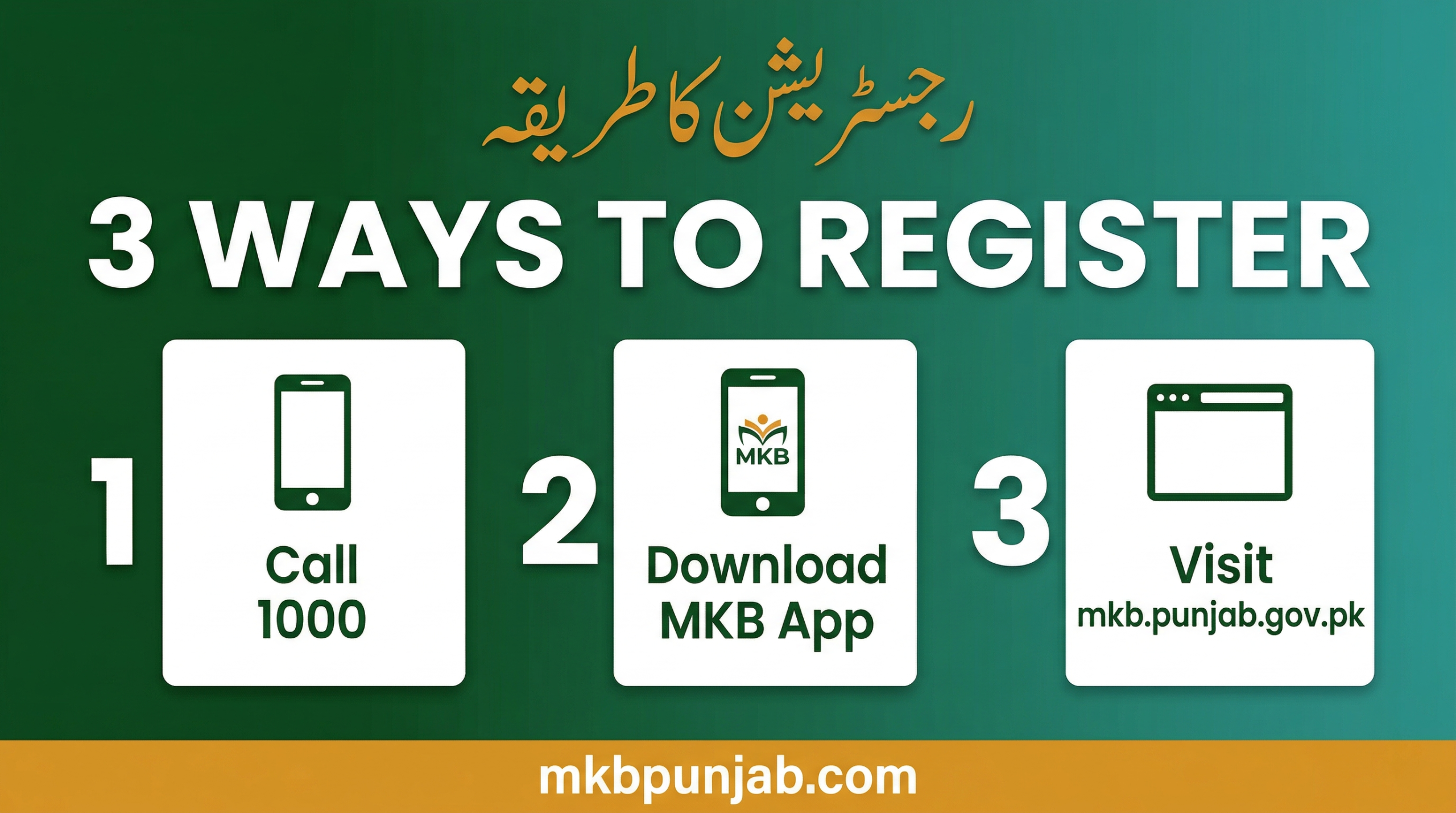
You can register through the official web portal at mkb.punjab.gov.pk, through the Maryam Ko Batayen mobile app, or by calling the government helpline at 1000.
This guide covers all three methods in detail, explains what happens after you apply, and walks you through how to fix the most common registration problems.
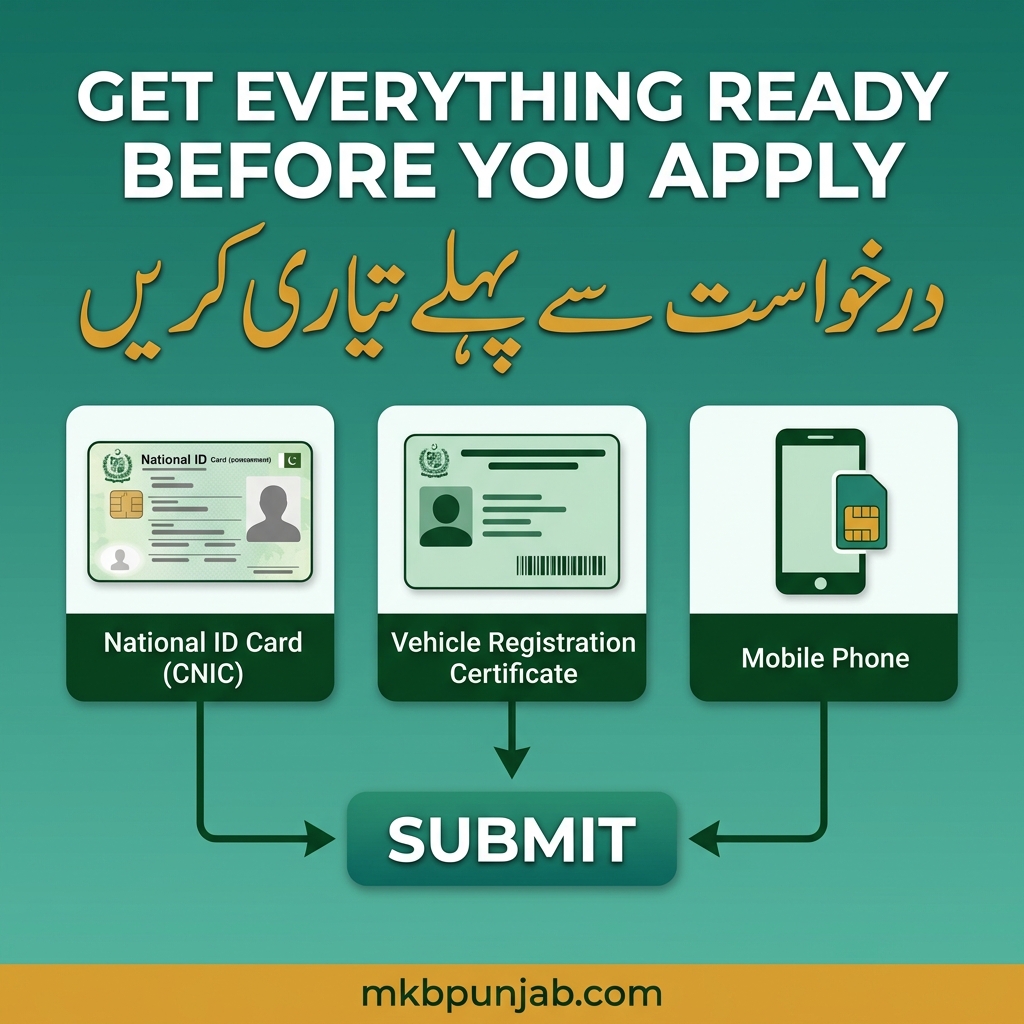
Before You Apply: Check These Four Things First
Jumping into the portal without preparation is one of the biggest reasons applications get rejected or stuck. Before you open any registration channel, confirm the following:
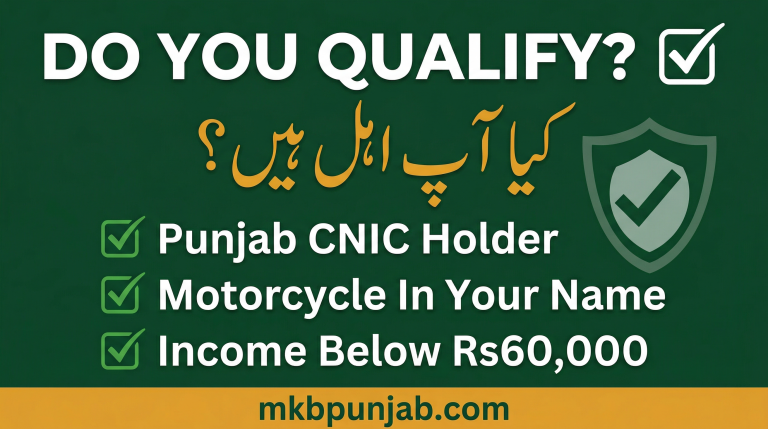
1. Your motorcycle is registered in your own name. The Excise and Taxation Department database must show you as the registered owner.
If the vehicle is in your father’s name, your wife’s name, or anyone else’s name, the system will reject your application.
Transfer the vehicle first. The Punjab government has made all motorcycle transfers free of charge right now, so there is no cost to doing this.
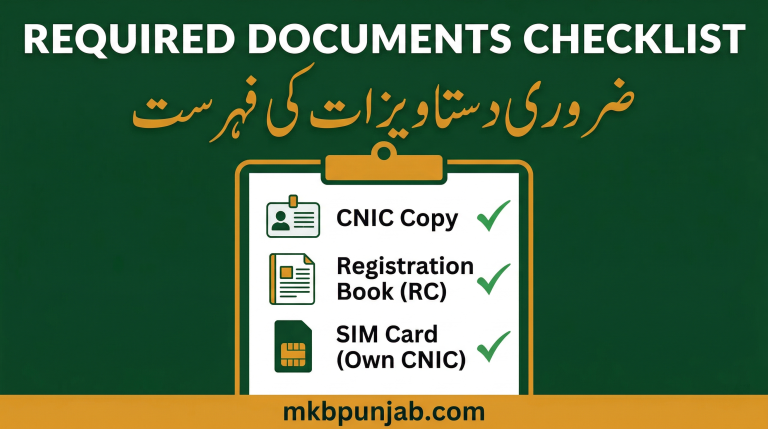
2. Your CNIC is valid and not expired. If your identity card expired even a day ago, renew it at the nearest NADRA registration centre before applying. Expired CNICs fail the NADRA verification step.
3. Your mobile SIM is biometrically registered under your own CNIC. The OTP verification message will be sent to the number linked to your CNIC in NADRA’s database. If your SIM belongs to someone else’s CNIC, you will not receive the OTP.
Visit your mobile network franchise and ask them to re-verify your SIM biometrically. Bring your original CNIC, as this takes about ten minutes.
4. You have your vehicle registration number ready. This is the number printed on your motorcycle’s registration certificate (RC book). Have the physical RC book in front of you when applying.

Method 1: Apply Through the Web Portal (mkb.punjab.gov.pk)
This is the most detailed method and gives you the clearest view of your application status.
Step 1: Open your browser and go to mkb.punjab.gov.pk. Make sure the URL is correct, because there are copycat sites using similar domain names that are not official.
Step 2: Look for the petrol subsidy or motorcycle fuel relief section on the homepage. Click on it to open the registration form.
Step 3: Enter your 13-digit CNIC number exactly as it appears on your card with no dashes and no spaces. The system will run a real-time check against NADRA records and confirm whether your CNIC is valid and active.
Step 4: Enter your motorcycle’s registration number as shown on your RC book. The system will cross-check this against the Punjab Excise and Taxation Department database. It will verify that the vehicle is registered in your name and that the registration is active.
Step 5: Enter your active mobile number. An OTP will be sent to this number. Enter the OTP in the portal within the time limit shown on screen, which is usually two to three minutes. Do not close the browser tab while waiting.
Step 6: Review all the information displayed including your name, CNIC, vehicle details, and mobile number. If everything is correct, click Submit.
You will receive a confirmation SMS on your mobile number. Screenshot this or note the application reference number.
Method 2: Apply Through the Maryam Ko Batayen App
The Maryam Ko Batayen app is the official mobile application of the Government of Punjab. It is available on the Google Play Store for Android devices.
An iOS version may be available on the App Store, so check the official portal for the latest link.
Step 1: Download the app from the Google Play Store. Search for “Maryam Ko Batayen” or use the direct link above. Make sure the developer name shows as the Punjab Government IT Board (PITB).
Step 2: Open the app and create or log into your account. You will need your CNIC number and registered mobile number to set up the account.
Step 3: Navigate to the petrol subsidy or fuel relief section within the app menu.
Step 4: Fill in your motorcycle’s registration number and follow the on-screen verification steps: CNIC check, vehicle check, and OTP confirmation.
Step 5: Submit your application. The app will show you a confirmation screen and send an SMS to your registered number.
The app also allows you to track your application status, view payment history, and raise complaints if there is an issue with your application all in one place.
Method 3: Apply by Calling Helpline 1000
If you do not have a smartphone or are not comfortable with online forms, you can register by calling 1000 from any mobile or landline in Pakistan. The helpline is toll-free and operated by the Government of Punjab.
Step 1: Call 1000 from the mobile number that is registered under your CNIC in NADRA’s database.
Step 2: Follow the automated instructions or speak to an operator. You will be asked to provide your CNIC number and motorcycle registration number.
Step 3: The system will verify your details over the call. If everything checks out, your application will be submitted and you will receive a confirmation SMS.
This method is especially useful for older applicants, people in rural areas with limited internet access, and anyone who has had trouble with the app or web portal.
What Happens After You Submit Your Application?
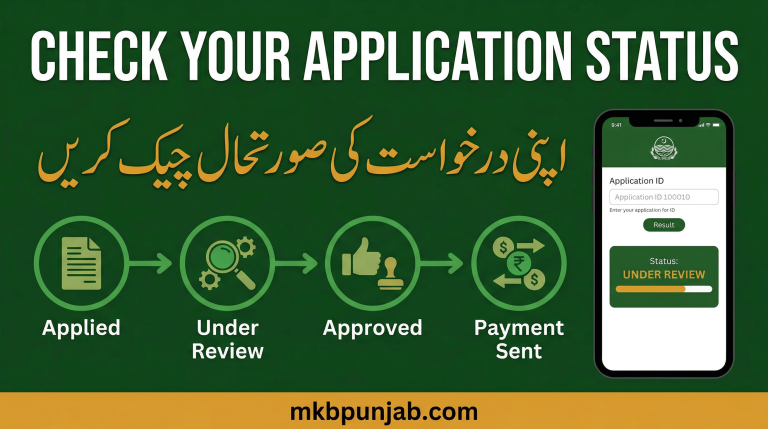
Once submitted, your application goes through a multi-step verification process. The system checks your CNIC against NADRA records to confirm identity. It checks your vehicle registration against Punjab Excise data to confirm ownership.
It cross-references your household with income and welfare databases, including BISP records, to confirm you fall within the low-income threshold.
This process usually takes a few days. You will receive SMS updates at each stage.
Most applicants see their status move from “Received” to “Under Review” to “Approved” within three to five working days. High application volumes may extend this slightly.
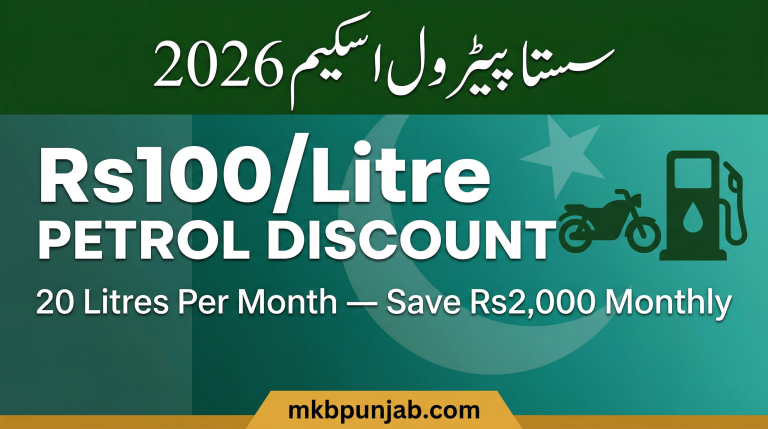
Once approved, your first month’s subsidy of Rs2,000 will be transferred digitally. Further details on the payment method will be confirmed by SMS from the official government portal.
Common Registration Problems and How to Fix Them
“CNIC not found” error: Double-check you are entering all 13 digits correctly without any dashes or spaces. If the CNIC is expired, renewal at NADRA is required before applying.
“Vehicle not found” or “ownership mismatch” error: The motorcycle is not registered in your name in the Excise database. Go to the Punjab Excise and Taxation Department and complete a vehicle transfer, which is currently free of charge.
OTP not received: The SIM you are using may not be biometrically registered under your CNIC. Visit your mobile network’s franchise for biometric re-verification.
Application stuck on “Pending” for more than a week: Try checking status through a different method. If you applied via app, check on the web portal, and if still stuck, call helpline 1000 for manual assistance.
Portal not loading: The website may be under heavy traffic. Try early morning between 6am and 9am, or late at night after 11pm, when server load tends to be lower.
Tips to Maximise Your Chances of Quick Approval
Apply as early as possible. Early applicants are processed first and receive payments sooner.
Make sure every piece of information you submit is exactly consistent. Your name on CNIC, your name on the vehicle RC, and your name on your bank account or mobile wallet should all match.
Use the Maryam Ko Batayen app for status tracking after you apply since it gives more detailed updates than SMS alone.